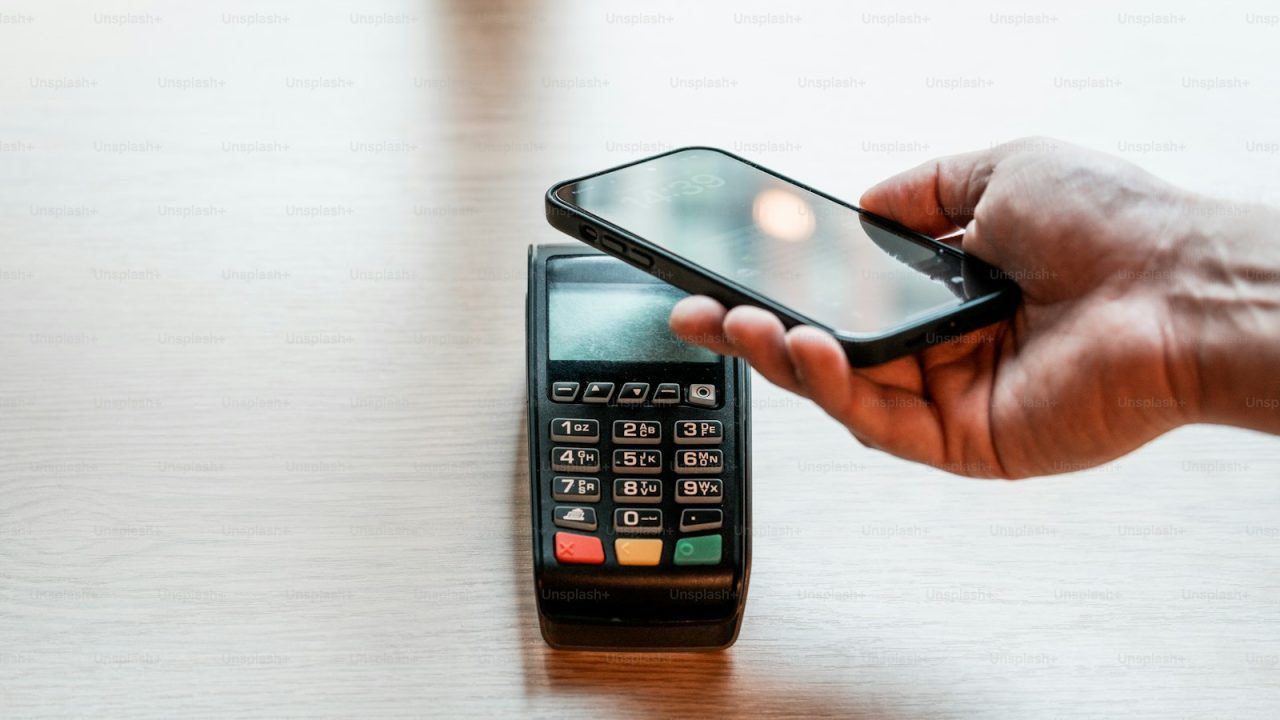

Credit card authorization is the real-time approval check that confirms a cardholder has the funds or credit available to cover a purchase, and that the card is valid and not flagged for fraud. It happens in the two to three seconds between a customer tapping a card and the terminal printing “Approved,” and it sits at the front of every card transaction a business runs. For merchants in Katy, Houston and Fort Bend County, understanding authorization is the difference between accepting good sales cleanly and bleeding revenue to declines, holds and chargebacks.
ProTech Payments configures authorization settings for restaurants, retailers, auto shops and service businesses across the Houston metro, and the right setup directly affects approval rates, deposit timing and how much you pay per transaction. A poorly tuned authorization flow can cost a busy restaurant hundreds of dollars a month in unnecessary downgrades and reauthorization fees. A clean setup keeps approval rates high and funds flowing.
This guide breaks down what authorization is, the exact sequence between the card networks and your bank, how holds and captures differ, the costs tied to each step, and the local Texas considerations that affect Houston-area merchants.
What credit card authorization means
Authorization is a yes-or-no decision from the cardholder’s issuing bank. When a card is presented, the issuer checks the account status, the available credit or balance, the card expiration, and a set of fraud signals before returning an approval or a decline code.
An approval places a temporary hold on the cardholder’s available credit equal to the transaction amount. It does not move money. No funds leave the cardholder’s account and none arrive in your merchant account at the moment of authorization. The actual transfer happens later during settlement.
The parties involved
Five entities touch every authorization. The cardholder presents the card. The merchant (your business) sends the request through a payment terminal or payment gateway. The acquiring bank or processor, often running on platforms like Fiserv (formerly First Data), routes the request. The card network (Visa, Mastercard, Discover, American Express) carries it. The issuing bank makes the final decision. A merchant account is the relationship that lets your business receive these approved funds.
EMV and the security layer
Modern authorization relies on EMV chip technology. When a customer dips or taps a chip card, the chip generates a one-time cryptogram unique to that transaction. The issuer validates this cryptogram during authorization, which is why chip and contactless payments are far harder to counterfeit than the old magnetic stripe. You can read more in our explainer on what EMV is.
How the authorization flow works step by step
The full round trip from card tap to “Approved” follows a fixed sequence, and it completes in roughly two to three seconds.
The six-step sequence
- Card presentation. The customer taps, dips or swipes at the terminal, or enters card details online through a virtual terminal or checkout page.
- Merchant request. Your terminal or gateway encrypts the card data and sends an authorization request to your acquiring processor.
- Network routing. The processor identifies the card network from the card number and routes the request to Visa, Mastercard, Discover or Amex.
- Issuer decision. The card network forwards the request to the issuing bank, which checks funds, card status and fraud rules.
- Response code returns. The issuer sends back an approval code or a decline reason, traveling the same path in reverse: issuer to network to processor to terminal.
- Hold placed. On approval, the issuer reserves the transaction amount against the cardholder’s available credit.
For a deeper look at the underlying rails, see our guide on how credit card payments work.
Verification checks during authorization
Card-present transactions lean on the EMV cryptogram and PIN or signature. Card-not-present transactions, like online payments, add Address Verification Service (AVS) and the CVV check, where the issuer compares the billing address and the three or four digit security code against its records. AVS and CVV mismatches raise the fraud risk score and can trigger a decline even when funds exist.
Authorization vs settlement: the two-stage model
Card transactions run on a two-stage model: authorization first, settlement second. Confusing the two is the source of most merchant disputes about when money actually arrives.
Authorization confirms the funds exist and reserves them. Settlement, also called capture, is when your business submits the approved transactions in a batch (usually once daily) and the issuer moves the money to your acquirer, which then deposits it into your account, typically in one to two business days.
| Stage | What happens | Money moves? | Timing |
|---|---|---|---|
| Authorization | Issuer approves and holds funds | No | 2-3 seconds |
| Capture/batch | Merchant submits approved sales | No | End of day |
| Settlement | Issuer sends funds to acquirer | Yes | 1-2 business days |
| Funding | Acquirer deposits to merchant | Yes | 1-2 business days |
Why the gap matters
A restaurant that authorizes a $50 tab and later captures $62 with tip is using the gap between the two stages on purpose. The initial authorization reserves a base amount, and the final capture adjusts it. If your point of sale is not configured to handle tip adjustments correctly, you can end up with downgraded transactions and higher fees, a problem we tune at the point-of-sale setup stage.
Authorization holds, captures and reversals
Not every authorization becomes a sale, and the way you handle the in-between states affects both your costs and your customers.
Authorization holds
A hold (also called a pre-authorization) reserves funds without capturing them. Hotels, car rentals, gas stations and auto repair shops use holds to guarantee funds before the final amount is known. The hold reduces the cardholder’s available credit until it is captured or released, which is why a customer might see a pending charge that differs from the final bill.
Incremental and final captures
The final capture can be lower than the authorization (a partial capture) or, in restaurant tip scenarios, slightly higher within network tolerance. Capturing an amount well above the authorization, or capturing days after the authorization expires, forces a reauthorization and often a higher interchange rate.
Authorization reversals
When a transaction is voided before settlement, a reversal releases the hold immediately rather than waiting for it to expire on its own (which can take three to seven days depending on the issuer). Sending a timely reversal is good practice: it frees the customer’s credit fast and avoids the support calls that come from lingering pending charges. Reversals also help reduce friendly fraud, a topic covered in our chargeback prevention playbook.
What authorization costs your business
Authorization itself is wrapped into your processing pricing, but several authorization-related fees show up on statements where merchants do not expect them.
Interchange and the authorization connection
Every approved transaction carries an interchange fee set by Visa and Mastercard and paid to the issuing bank. The rate depends on how the card was authorized: a chip-read, card-present transaction earns a lower interchange than a keyed-in or card-not-present one, because the network treats it as lower risk. Properly capturing AVS and EMV data during authorization keeps you in the lower tiers. Our breakdown of interchange fees and interchange-plus pricing shows the exact math.
Authorization fees and downgrades
Watch these line items:
| Fee type | What triggers it | Typical range |
|---|---|---|
| Authorization fee | Each auth request sent | $0.02 to $0.10 |
| Misuse of auth fee | Auth not captured or reversed | $0.045 per item |
| Downgrade | Missing data, late capture, keyed entry | +0.50% to 1.50% |
| Reauthorization | Capture after auth expired | New auth fee + interchange |
The misuse-of-authorization fee from Visa and Mastercard is the one most merchants miss. If you authorize a card and never capture or reverse it, the networks charge a penalty. A free statement analysis finds these leaks fast.
Lowering your authorization costs
A cash discount or dual-pricing program can offset processing costs entirely by passing them to customers who choose to pay by card, while a cash discount program does the same through a posted discount for cash. Both are legal in Texas when implemented correctly.
Authorization by business type
Authorization behavior changes by vertical, and the right configuration depends on how your business actually transacts.
Restaurants and bars
Restaurants authorize a base amount and capture with tip at end of day. A poorly configured POS that does not flag tip-adjusted transactions correctly gets downgraded constantly. Tight integration matters here, which is why we set authorization tolerances inside our restaurant merchant services configuration and recommend the right restaurant POS system.
Retail and quick-service
Retail runs single-step authorizations: authorize and capture the same amount in one batch. Speed at the counter is the priority, so EMV and contactless approval times drive the experience. See our retail merchant services setup and the best retail POS system comparison.
Service and appointment businesses
Salons, medical offices and home services often use card-on-file and recurring authorizations. Each rebill is a fresh authorization against the stored credential, governed by network rules for stored payment data. Our salon and spa and home services configurations handle the credential-on-file flags that keep recurring authorizations from declining.
Common authorization mistakes that cost merchants
Most authorization losses come from a handful of avoidable errors.
Forgetting to capture or reverse
Authorizing without capturing or reversing triggers the misuse-of-authorization fee and leaves customer funds held unnecessarily. Set your POS to auto-reverse voided sales.
Late captures
Capturing after the authorization window (often five to seven days for card-present) forces reauthorization and a higher interchange rate. Batch out daily.
Keying instead of dipping
Manually keying a card present in the store throws away the EMV data, shifts liability to you, and downgrades the transaction. Dip or tap whenever the card is physically present.
Ignoring AVS on online sales
Skipping AVS and CVV on in-store payments that are keyed, or on e-commerce, raises both your fraud exposure and your interchange cost. Always pass full AVS data on card-not-present sales.
Mishandling PCI scope
Storing card data improperly to “make reauthorization easier” creates a PCI DSS liability. Use tokenization through your gateway instead, and keep your PCI compliance current.
Authorization for Texas merchants
Texas merchants operate under both the federal card network rules and Texas-specific surcharge law, and authorization configuration interacts with both.
Surcharge and dual pricing rules
Texas allows credit card surcharging and dual pricing when the merchant follows disclosure and capping rules. The surcharge applies only to credit, not debit, and the distinction is made during authorization based on the card type returned by the network. Getting this wrong means surcharging a debit card, which violates network rules. Our guides on dual pricing legality in Texas and credit card surcharge laws in Texas cover the specifics.
Debit routing and Durbin
The Durbin Amendment caps debit interchange for large issuers and requires at least two unaffiliated debit networks per card, so your processor can route debit authorizations across networks to find the lowest cost. Houston-area merchants with high debit volume benefit from least-cost routing on every debit authorization.
Local support
ProTech Payments serves merchants across Katy, Houston and Sugar Land, with on-the-ground setup for terminals, gateways and POS systems. Local support means authorization issues get diagnosed in person, not in a ticket queue. Explore the full range of merchant services we configure for Texas businesses.
Frequently asked questions
How long does a credit card authorization take?
A single authorization completes in roughly two to three seconds. The request travels from your terminal to the processor, to the card network, to the issuing bank, and the approval or decline code returns along the same path. Network and internet conditions can add a second or two during peak times.
What is the difference between authorization and settlement?
Authorization confirms the funds are available and places a temporary hold, but moves no money. Settlement happens later when you batch out your approved sales, and that is when the issuer actually transfers funds to your acquirer for deposit into your account, usually within one to two business days.
Why would a credit card authorization be declined even with available funds?
Declines with available funds usually come from fraud rules, not balances. An AVS mismatch, a wrong CVV, an expired card, an unusual purchase pattern, or a daily transaction limit can all trigger a decline. The issuer’s fraud model has the final say, and the decline code on your terminal points to the reason.
How long does an authorization hold last?
A hold typically lasts three to seven days before it expires automatically, though the exact window depends on the issuing bank and the merchant category. You can release a hold instantly by sending an authorization reversal, which is the right move whenever a sale is voided.
Does authorization cost the merchant money?
The authorization request itself carries a small per-item fee (often $0.02 to $0.10), and uncaptured authorizations can trigger a misuse-of-authorization penalty of about $0.045 per item. The larger cost is the interchange fee on the captured sale, which rises if the authorization lacks chip or AVS data. A statement analysis identifies these charges.
Can I capture a different amount than I authorized?
Yes, within network tolerances. You can capture less than the authorized amount (a partial capture) or, for restaurants adding tips, slightly more within the allowed percentage. Capturing far above the authorization or after it expires forces a reauthorization and a higher cost, so configure your POS to authorize the right base amount.
Talk to ProTech Payments
Authorization settings are not something most merchants think about until declines and downgrades start eating into deposits. ProTech Payments tunes the full flow for Houston-area businesses, from EMV terminal configuration to gateway tokenization to debit least-cost routing, so your approval rates stay high and your per-transaction cost stays low.
Start with a free statement analysis and we will pinpoint exactly where authorization fees, downgrades and misuse penalties are costing you. When you are ready to move, get started and we will configure your terminals and accounts for clean, low-cost authorizations from day one.